
6 min read
Vikey Self Check-in: How It Works and What Improves with HostieBoard
A practical guide to Vikey self check-in for vacation rentals, B&Bs, and property managers: hardware options, visual ID verification rules, and HostieBoard integration.
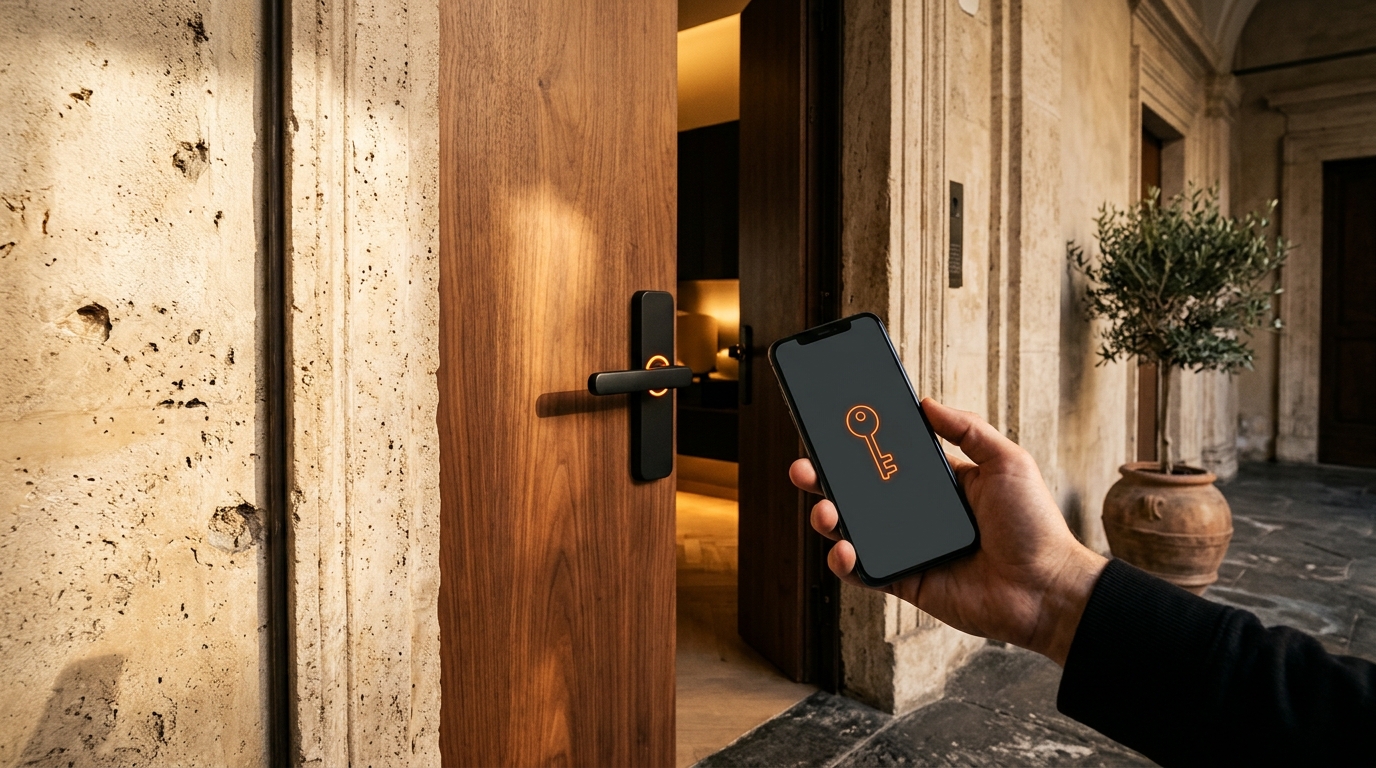
Vikey self check-in lets guests at vacation rentals, B&Bs, and guesthouses unlock both the main building entrance and the apartment door from their smartphone or a numeric keypad, eliminating physical key handovers. Connecting Vikey to HostieBoard streamlines the entire stay: guests receive one link, complete online check-in once, and see their Vikey digital key inside the Guest Portal only when IDs, any required tourist tax, and stay dates are all in order.
Key Facts
- What Vikey is: an Italian smart-access ecosystem with the Vikey4 intercom hub, smart locks, numeric keypads, and safety/energy sensors.
- How guests enter: from a mobile web page (no app required) or a temporary PIN active strictly during their stay.
- Italian Art. 109 TULPS compliance: under Council of State ruling no. 9101/2025, self check-in is allowed only with real-time visual ID verification (in person or live video) before entry.
- What improves with HostieBoard: bookings, arrival hours, edits, and cancellations sync automatically, and Vikey stops sending duplicate emails, texts, or check-in forms.
- Included plan: included from Hostie Lite (from €12.99/month per unit) and in Hostie Plus.
How Vikey Works and What Hardware It Offers
Vikey solves a classic challenge in European residential buildings: two-door entry (street-level building entrance plus apartment security door). Unlike outdoor key boxes — increasingly restricted by local ordinances and prone to lost or copied keys — Vikey digitizes both doors without requiring an app. Hosts keep full visibility over entries, can unlock doors remotely, and retain a mechanical backup key.
- Vikey4 hub for intercoms: wires into the existing intercom inside the apartment without touching shared condominium areas, turning the buzzer into a smartphone opener.
- Smart locks, electronic handles, and keypads: motorized cylinders, handles, and smart locks supporting one-tap mobile entry, stay-specific PINs, or RFID cards for B&Bs.
- Safety and energy sensors: optional noise monitors, smoke and water-leak detectors, and smart controls for AC, heating, and wall outlets to prevent waste after check-out.
Who Benefits Most from Installing Vikey
Condominium apartments
Open both street entrance and apartment door without modifying shared locks or mounting outdoor key boxes.
Late arrivals & delayed flights
Welcome guests outside office hours without paying staff to wait on site.
Multi-unit property managers
Eliminate daily cross-town trips just to hand over and collect physical keys.
All-in-one hardware setup
One vendor covering intercoms, apartment locks, and optional noise or energy monitoring.
If you only need a lightweight opener for an electric gate or door, compare options in our guide to Shelly self check-in and the Guest Portal.
Self Check-in and Italian Art. 109 TULPS Compliance
No anonymous self check-in: following the Ministry of the Interior circular of November 18, 2024 and Council of State ruling no. 9101/2025, uploading an ID photo and sending a code without visual verification is not compliant.
Hosts must perform a visual check (de visu) confirming that the guest matches their ID — either in person or remotely in real time via a quick live video call or synchronous video verification before granting access. Alloggiati Web deadlines remain unchanged: within 24 hours of arrival, or within 6 hours for stays up to 24 hours. For privacy-compliant document collection, see our guide on online check-in, guest IDs, and GDPR compliance.
Why Using Vikey Standalone Creates Friction
When Vikey runs separately from your management platform, busy seasons quickly get messy: your PMS sends an online check-in link, while Vikey sends its own email or WhatsApp asking for IDs, contracts, or payments a second time. Guests get confused on the street with their luggage, and every date change, early check-in, or cancellation forces manual updates in Vikey to avoid expired keys or active access for canceled bookings.
How the Vikey and HostieBoard Integration Works
Connecting Vikey to HostieBoard lets you keep your Vikey hardware while centralizing operations and the guest experience in one place:
1. Fast Property Pairing
In HostieBoard's access instructions tab, select Vikey (alongside manual codes, Shelly, and Ring), enter your encrypted Vikey connection credentials, load your Vikey properties, and pair the matching unit. You can update or disconnect anytime.
2. Bookings, Edits, and Cancellations Automatically Aligned
Every new reservation — or update to dates, check-in/check-out hours, or guest name — automatically creates or updates the booking in Vikey using the stay's actual hours (or default local-timezone hours). If a booking is canceled or marked no-show, HostieBoard deletes it in Vikey and revokes the key immediately, with an automated check every 5 minutes so no active stay is left without access.
3. Zero Duplicate Messages and Protected Digital Key in the Guest Portal
When creating a Vikey booking, HostieBoard automatically disables Vikey's duplicate emails, texts, WhatsApp messages, document uploads, contracts, and payments. Guests use one link — their HostieBoard Guest Portal — with online check-in, bed preferences, Wi-Fi, an illustrated access guide (auto-translatable into English), and their Vikey Digital Key (Open lock and Copy buttons). The key appears automatically only when:
- Online check-in is complete (unless you manually unlock access).
- Any required pre-arrival tourist tax is paid.
- The stay is inside its active window (check-in day through the end of check-out day; hidden automatically afterward).
Included from Hostie Lite: Vikey integration is built into Hostie Lite (from €12.99/month per unit, with volume discounts from the fourth unit) and Hostie Plus. Explore tools on the HostieBoard features page or calculate your plan on the HostieBoard pricing page.
Quick Checklist Before Your First Integrated Arrival
- Check connectivity and batteries: verify your Vikey4 hub is online and smart lock batteries are charged.
- Verify default stay hours: confirm check-in and check-out times in HostieBoard, which control key validity.
- Add entrance photos: upload street-door and apartment-door photos in HostieBoard's access guide.
- Set your visual ID routine (Art. 109 TULPS): decide how you will run the in-person or live video check before clearing access.
- Run a real test: create a test booking and open the Guest Portal on your phone to verify every step.
Frequently asked questions
Do guests need to download an app to unlock doors?
No. Guests open their HostieBoard Guest Portal in their smartphone browser and, once the required steps are done, tap the Vikey Digital Key button to unlock the building door, intercom, and apartment with no app download.
Will guests receive two online check-in requests?
No. HostieBoard automatically disables Vikey's emails, texts, WhatsApp messages, document uploads, and payment prompts. Guests complete online check-in once in HostieBoard.
What happens if a guest changes dates or cancels?
Any change to dates or arrival/departure hours automatically updates the reservation in Vikey. If a booking is canceled or marked as a no-show, HostieBoard removes it from Vikey and revokes access right away.
When does the Vikey digital key appear in the Guest Portal?
It appears automatically on check-in day only after the guest completes online check-in and pays any required tourist tax. Once the check-out day ends, the link is hidden automatically.
Is Vikey self check-in legal in Italy today?
Yes, as long as you perform the visual ID check required by Art. 109 TULPS and confirmed by Council of State ruling no. 9101/2025. Before granting access, verify the guest's identity in person or remotely via live video, and submit guest data to Alloggiati Web within legal deadlines.
Which HostieBoard plan includes the Vikey integration?
It is included starting from Hostie Lite (from €12.99/month per unit) and in Hostie Plus, with no extra activation fees from HostieBoard. You only need an active Vikey account and Vikey hardware.
More from the Hostie blog

7 min read
Airbnb, Booking.com, Vrbo & Expedia Commissions: How to Calculate Channel Markups Without Losing Margin
A practical guide to Airbnb, Booking.com, Vrbo, and Expedia commissions for hosts in Italy: true costs including 22% VAT, the exact channel markup formula, and how to protect your net nightly payout.
Read the article
7 min read
Overbooking on Airbnb, Booking.com, Vrbo & Expedia: True Costs and How to Prevent It
Learn why overbookings happen across Airbnb, Booking.com, Vrbo, and Expedia, what penalties and relocation costs really add up to, and how a real-time Channel Manager eliminates double bookings.
Read the article
7 min read
Automated Guest Messaging Templates: Practical Guide for Vacation Rentals, B&Bs & Hotels
Learn how to structure automated guest message templates for every stay stage, choose channels across OTA chat, email, and WhatsApp Business, and set schedules and multilingual variables.
Read the article